5.2. Start, Run and Check the Calibration
5.2.1. Use-case description
Sub-System: LIGGGHTS (or Aspherix) - (distributed by DCS Computing GmbH)
This use case describes how to start and run a successful calibration case.
Section |
Comment |
|---|---|
Use Case Name |
Start, Run and Check the Calibration |
Scope |
Running a calibration workflow with the available information in the database |
Level |
High-level calibration |
Primary Actor |
Researchers who wants to calibrate a DEM model, or analyse data of DEM simulations (A PhD student or Master student who has done DEM Simulations before) |
Stakeholders and Interests |
Researchers who perform DEM simulations or develop DEM models, experimentalists who conduct tests for calibration of DEM models |
Preconditions |
The UC5.1 has been successfully completed. |
Success Guarantee |
Calibration tool signals successful completion. |
Main Success Scenario |
Start the calibration. Check for any error or warnings. Fix the errors or maybe revise UC5.1. Run the calibration locally or submit to a HPC (if this is the case, prepare the cluster information). The Aspherix calibration signals a successful convergence for all the target parameters. |
file Extensions |
- |
Special Requirements |
none |
Technology and Data Variations List |
- |
Frequency of Occurrence |
upon request for each calibration workflow |
Miscellaneous |
- |
5.2.2. Workflow
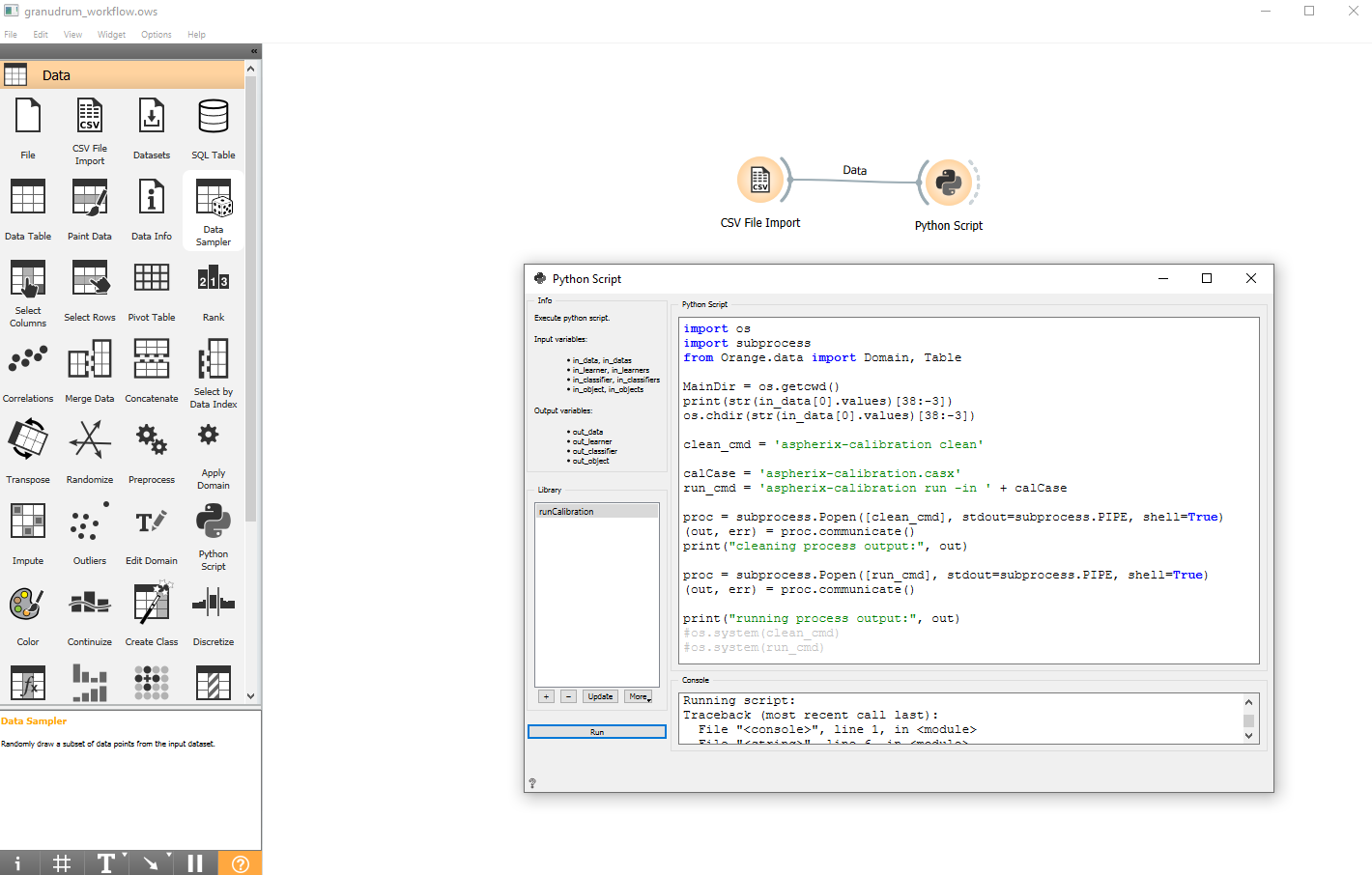
When all the data are at hand, we can start running the calibration workflow. Since the calibration usually involves iterating over a large number of simulations and optimization methods to obtain the calibrated set of parameters, this job is usually submitted to clusters and HPCs. However for small workflows it can also be done on your computer by calling the calibration process directly from orange3 workflow: